UI/UX & Product Design
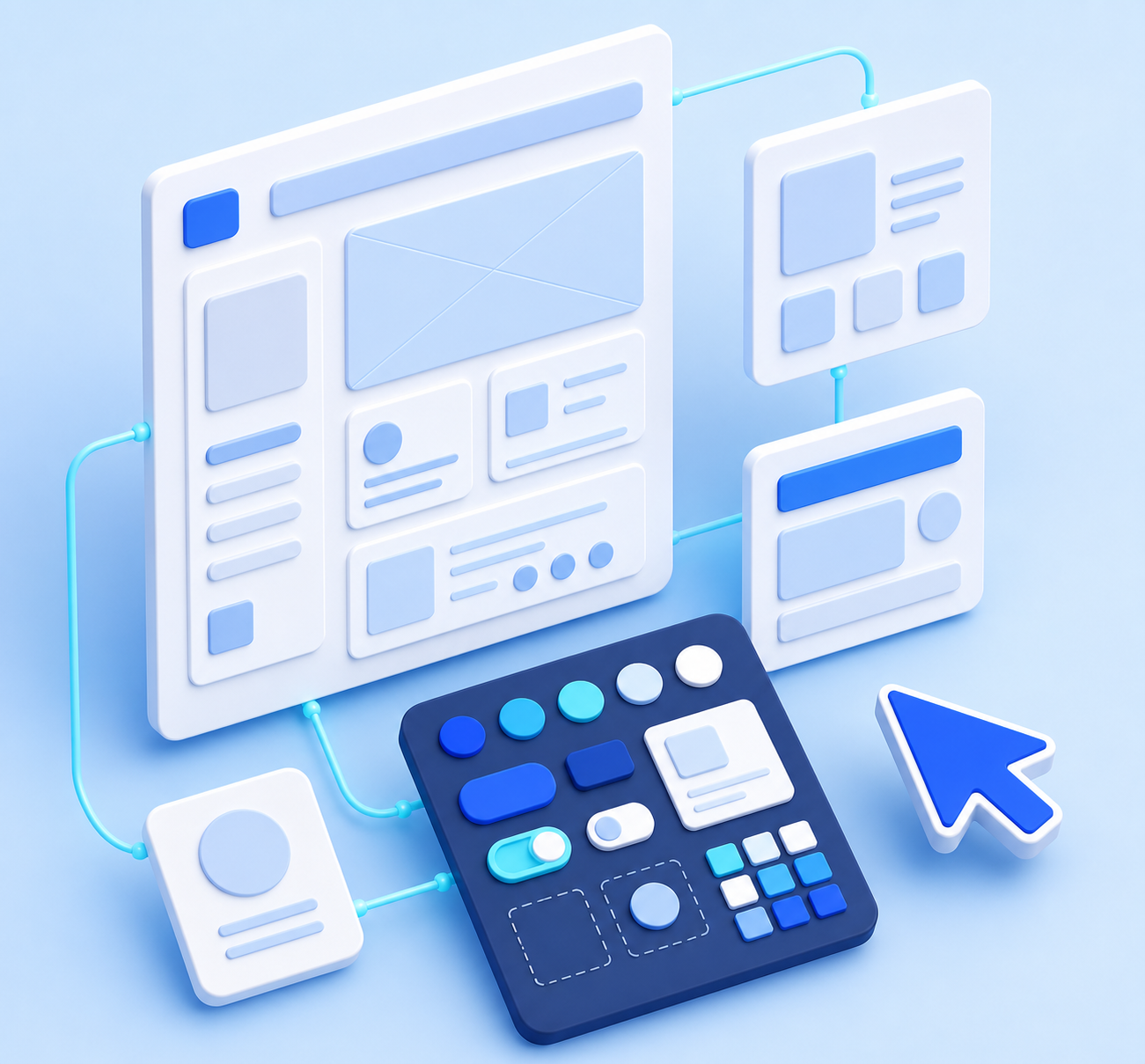
People decide in seconds whether your product feels easy or awkward. UI/UX and product design is the work of understanding your users, then shaping screens and journeys that feel obvious to use — and quietly move people towards the action you want.
What is UI/UX & Product Design?
UX (user experience) design is about how something works — the structure, the flow, and the thinking behind every screen. is about how something works — the structure, the flow, and the thinking behind every screen. UI (user interface) design is about how it looks and feels — layout, colour, type, spacing, and the small details that make an interface pleasant to use.
Together with product design, they cover the full journey: understanding your users and their goals, mapping the flows, wireframing the structure, designing the finished interface, and testing it with real people before a single line of code is written.
The point isn't decoration. Good design reduces confusion, cuts support requests, shortens the path to purchase or sign-up, and gives your developers a clear, consistent blueprint to build from — which usually saves far more than it costs.
What good design gives you
Types of Design Services
"Design" covers everything from research to pixel-perfect screens. Here are the projects businesses most often need.
User Research & Discovery
Interviews, analytics, and competitor review to understand who you're designing for.
UX Strategy & Information Architecture
Mapping journeys, structure, and navigation so people find what they need fast.
Wireframing & Prototyping
Low-fidelity layouts and clickable prototypes to test ideas before you build.
UI & Visual Design
Polished, on-brand interfaces with considered layout, type, colour, and spacing.
Design Systems & Component Libraries
Reusable components and rules that keep everything consistent as you grow.
Mobile App Design
iOS and Android interfaces that follow platform conventions and feel native.
Website & Landing Page Design
High-converting pages designed around a clear message and a clear next step.
Dashboard & SaaS Product Design
Complex data and workflows made genuinely readable and easy to work in.
Usability Testing & UX Audits
Testing with real users and reviewing existing products to find what's losing you people.
Tools & Technologies Used
You don't need to know these — but here's the toolkit skilled design vendors work with. The right mix depends on your product.
Common Challenges Businesses Face
If any of these sound familiar, you're not alone — they're the reasons most businesses look for a design partner.
Who Needs It & Why
Almost any business with a website or product benefits — but here's who needs it most, and what they're usually solving for.
SaaS & product teams
Complex products that need to feel simple enough for users to adopt without training.
Startups before they build
Founders who want the flow validated and prototyped before development money is spent.
E-commerce brands
Stores losing sales somewhere between the product page and the checkout.
Businesses with dated sites
Companies whose site looks a decade behind the quality of their actual work.
Apps losing users
Products with downloads but poor retention, and no clear reason why.
Growing teams needing consistency
Organisations where every new page or feature reinvents the design from scratch.
How KIVOZA Helps You Get It Designed
Design portfolios all look good — the hard part is knowing who can actually solve your problem, not just make things pretty. Instead of sifting through freelancers alone, KIVOZA connects you with checked, real design businesses, and lets them come to you.
Ready to make your product effortless to use?
Post your project and get matched with verified UI/UX and product design experts — then choose who to work with. It only takes a few minutes.
Every vendor is checked to be a real, registered business before appearing.